IT integrates the solution, while Marketing independently creates and manages content and campaigns – both using familiar tools. Every employee and mailbox automatically receives the correct signatures and out-of-office replies. Emails are not rerouted, and all data remains in systems your security team already trusts.
Free, open-source core
Best for technical evaluation and organizations using Classic Outlook for Windows. Start with a mature, peer-reviewable foundation, explore its comprehensive feature set, or learn from the source code.
- Centralized signature management
- Classic Outlook for Windows
- Simulation mode for risk-free technical evaluation
- Exchange on-premises, hybrid, and all Microsoft 365 clouds
For IT administrators. No signup required.
Commercial extension with the same data-sovereign architecture
Best for organizations that need centrally governed signatures and out-of-office replies across every Outlook platform, with advanced capabilities for IT, Marketing, and Security.
- Classic and New Outlook on Windows, Mac, Web, iOS, and Android
- Time-controlled marketing campaigns with scheduled banners and content
- Centrally managed out-of-office replies
- Support for shared mailboxes, delegates, BYOD, F-license scenarios, and more: Explore all features
- Lower total cost than competing products and even manual updates
For decision-makers in IT, Marketing, and Security.
Security-conscious and brand-aware organizations worldwide use our solution across public, national, sovereign, and local Microsoft 365 environments, including GCC, GCC High, DoD, China, Bleu, and Delos.
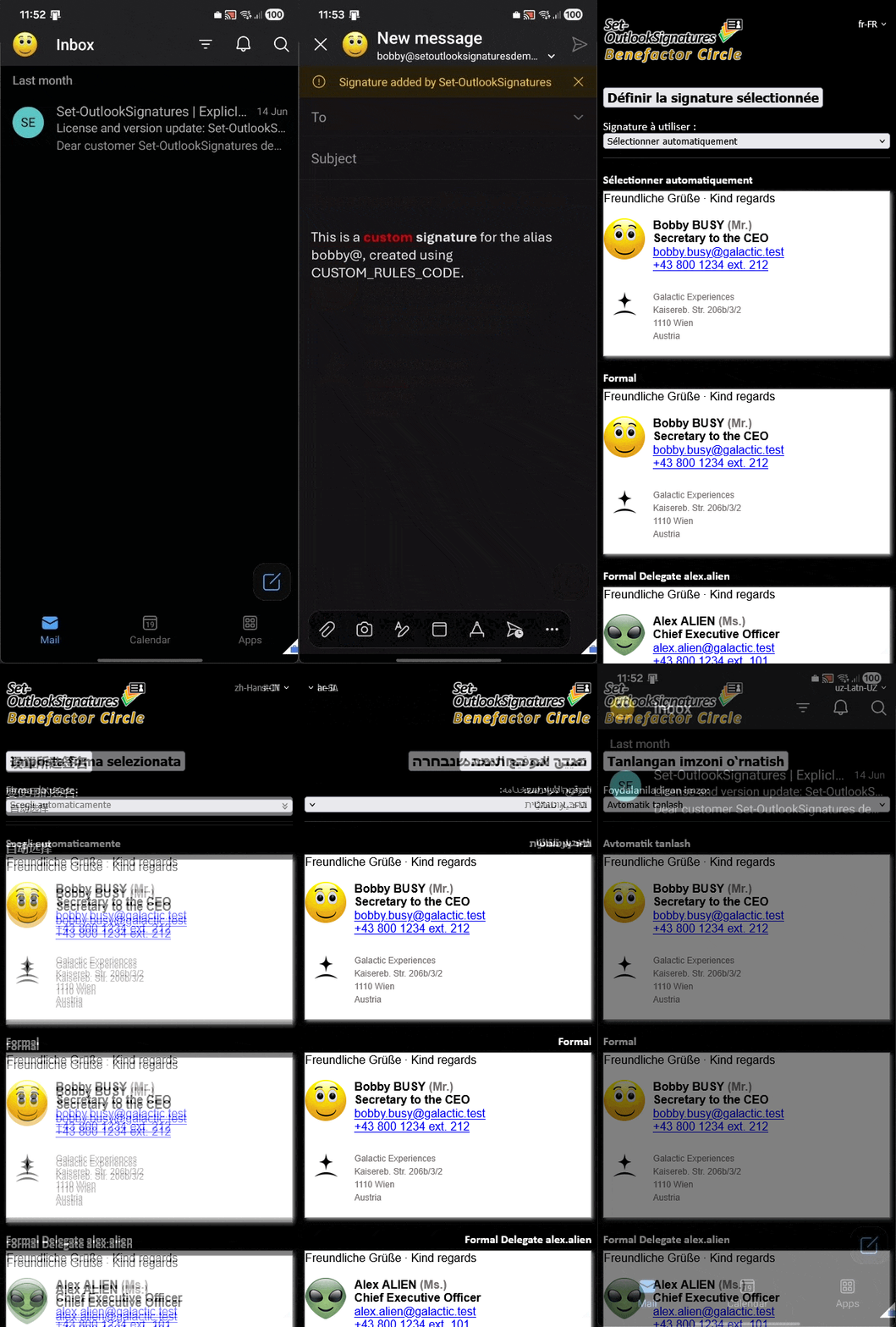
🔗Everything You Need to Govern Signatures Across Outlook
From dynamic branding to governance, our ecosystem delivers capabilities that conventional provider-hosted solutions simply cannot match. Connect any data source, apply unlimited business logic, and synchronize natively across Outlook platforms without rerouting email or exposing data externally.
Invisible to end users, seamless background sync. Intuitive for Marketing and IT.
Time-based campaigns, collapse empty lines, rule-based banners.
Dry-run your deployment logic before going live.
Manage and distribute OOF messages consistently and centrally from one location.
Classic and New Outlook across Windows, Mac, Web, iOS, Android, cloud and on-premises environments.
Supports shared mailboxes, delegates, and custom logic.
Direct-to-mailbox synchronization, no mail flow changes required.
No external data transfer, no phone home, no telemetry.
Design in Word, test-drive from your desk, and deploy brand-safe campaigns company-wide.
The Benefactor Circle license funds the open-source development, ensuring the core engine remains free and peer-reviewable for the global community.